
This project demonstrates the implementation of a finite state machine (FSM) to control the behavior of an AI character. The AI transitions through different states such as Idle, Patrol, Pursue, Attack, and Flee, based on specific conditions.
This project showcases the implementation of a finite state machine (FSM) to control AI behavior in a dynamic and interactive environment. The FSM allows for flexible and modular design of AI behavior, making it easier to add or modify states as needed.
Core Features
- State-Based Behavior: AI behavior is divided into distinct states, each with its own logic and transitions.
- Dynamic State Transitions: The AI transitions between states based on real-time conditions such as player proximity and visibility.
- Real-Time Navigation: Utilizes Unity’s NavMesh for AI movement and navigation.
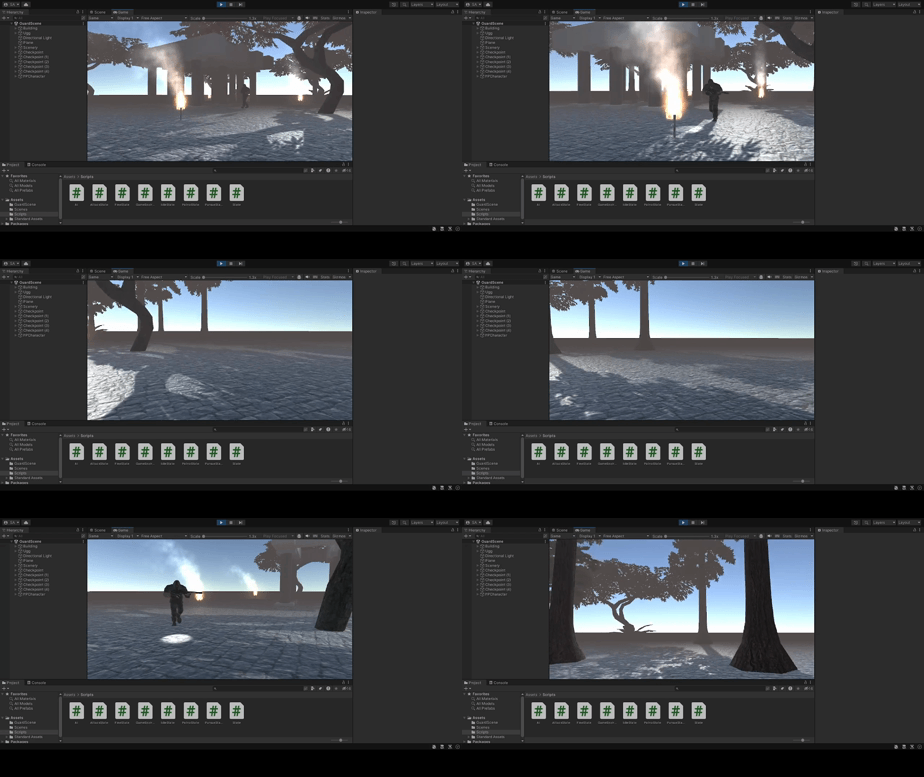
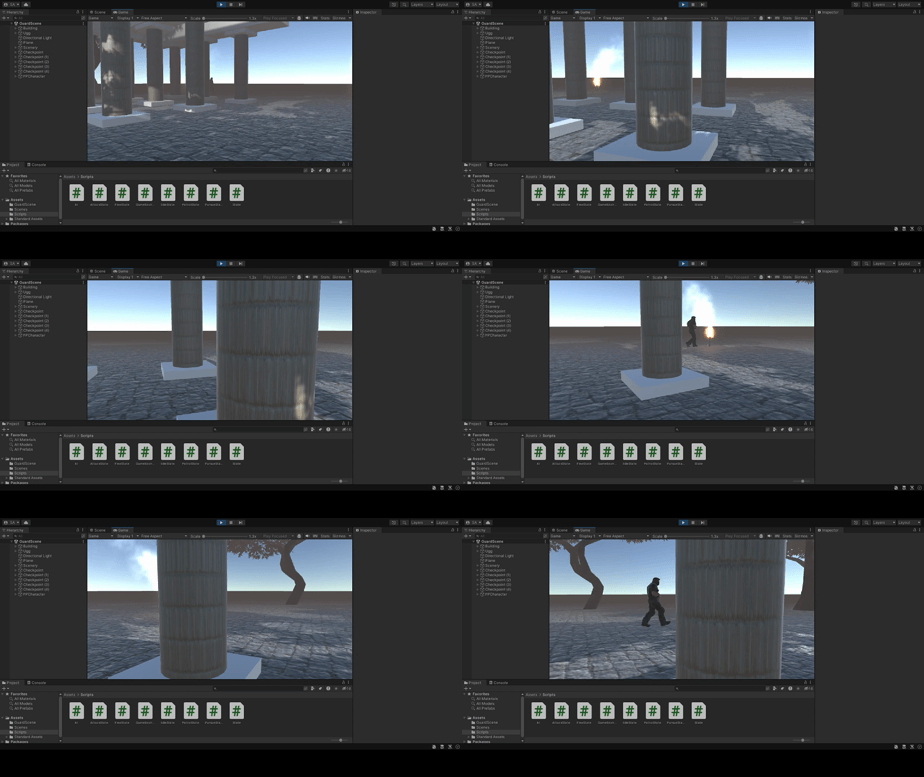
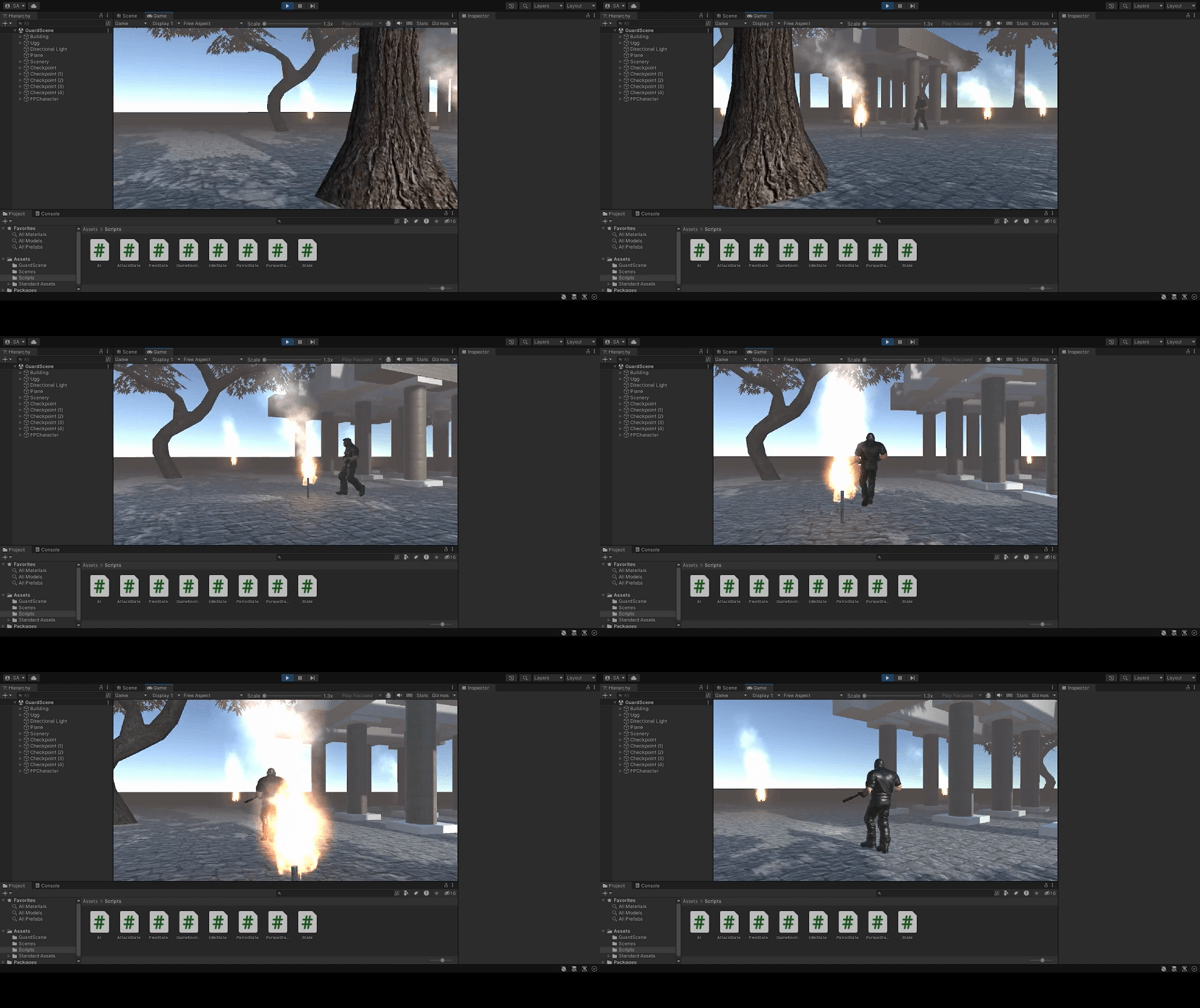
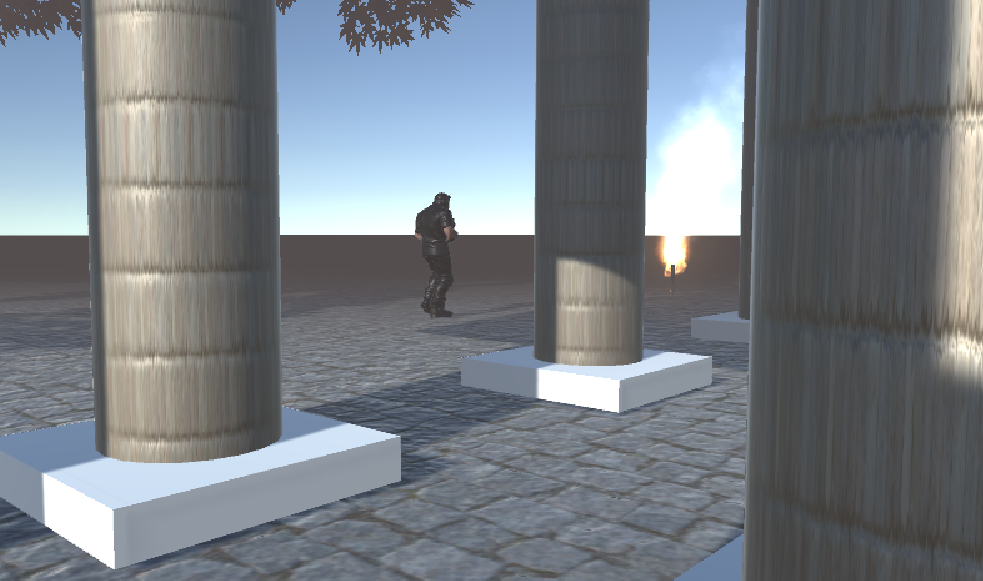
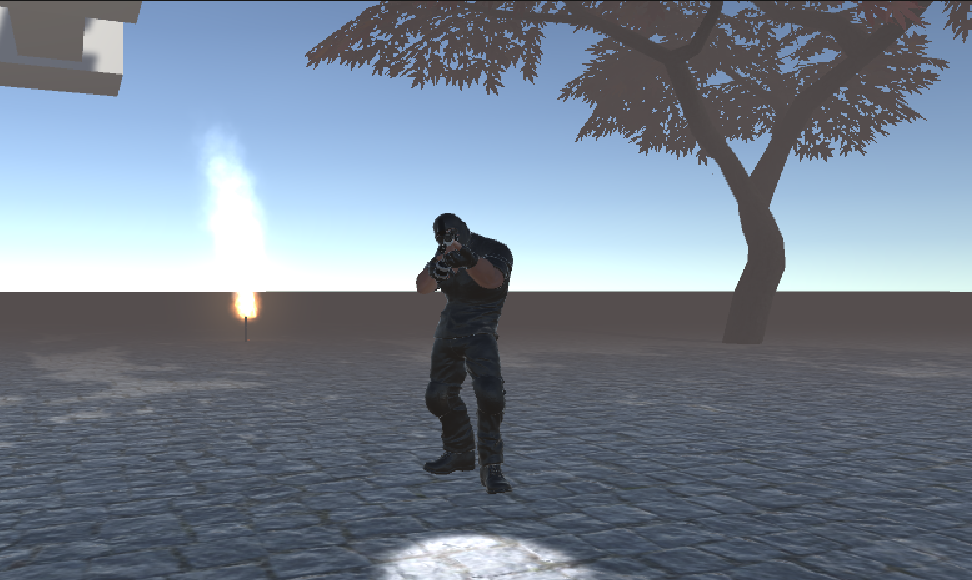
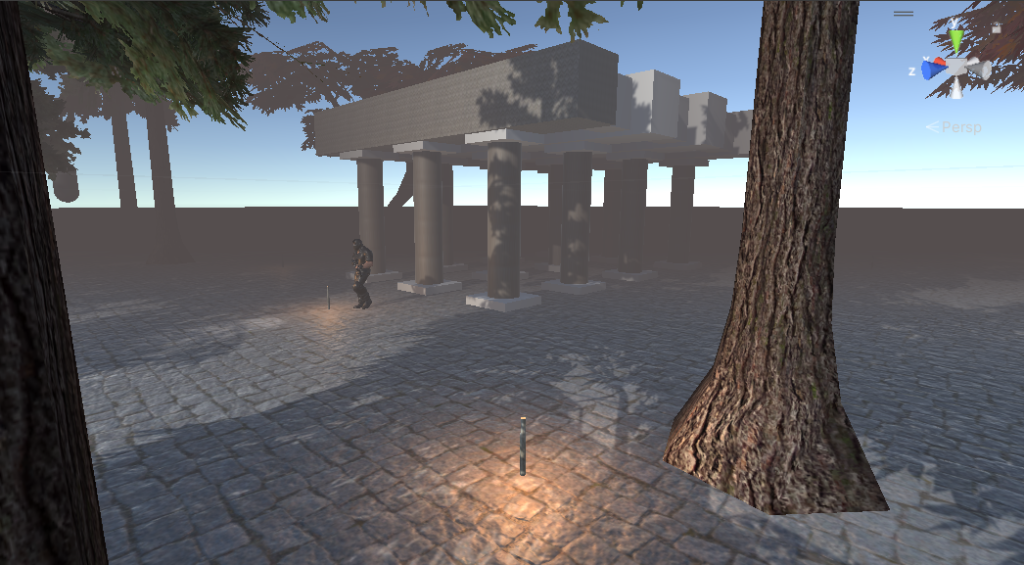
Key Components
1. State Base Class (State.cs)
This script defines the base state class and the finite state machine logic, including state transitions.
using System.Collections;
using System.Collections.Generic;
using UnityEngine;
using UnityEngine.AI;

public class State
{
    public enum STATE
    {
        Idle,
        Patrol,
        Pursue,
        Attack,
        Flee,
        Sleep
    };

    public enum EVENT
    {
        Enter,
        Update,
        Exit
    };

    public STATE name;
    protected EVENT stage;
    protected GameObject npc;
    protected Animator animator;
    protected Transform player;
    protected State nextState;
    protected NavMeshAgent agent;

    private float visDist = 10.0f;
    private float visAngle = 30.0f;
    private float shootDist = 7.0f;

    public State(GameObject _npc, NavMeshAgent _agent, Animator _animator, Transform _player)
    {
        npc = _npc;
        agent = _agent;
        animator = _animator;
        stage = EVENT.Enter;
        player = _player;
    }

    public virtual void Enter()
    {
        stage = EVENT.Update;
    }

    public virtual void Update()
    {
        stage = EVENT.Update;
    }

    public virtual void Exit()
    {
        stage = EVENT.Exit;
    }

    public State Process()
    {
        if(stage == EVENT.Enter) Enter();
        if(stage == EVENT.Update) Update();
        if (stage == EVENT.Exit)
        {
            Exit();
            return nextState;
        }

        return this;
    }

    public bool CanSeePlayer()
    {
        Vector3 direction = player.position - npc.transform.position;
        float angle = Vector3.Angle(direction, npc.transform.forward);

        if (direction.magnitude < visDist && angle < visAngle)
        {
            return true;
        }

        return false;
    }

    public bool CanAttackPlayer()
    {
        Vector3 direction = player.position - npc.transform.position;
        if (direction.magnitude < shootDist)
        {
            return true;
        }

        return false;
    }
}
2. AI Manager (AI.cs)
This script manages the AI character and processes state transitions.
using System.Collections;
using System.Collections.Generic;
using Unity.VisualScripting;
using UnityEngine;
using UnityEngine.AI;

public class AI : MonoBehaviour
{
    private NavMeshAgent agent;
    private Animator animator;
    public Transform player;
    private State currentState;

    // Start is called before the first frame update
    void Start()
    {
        agent = this.GetComponent<NavMeshAgent>();
        animator = this.GetComponent<Animator>();
        currentState = new IdleState(this.GameObject(), agent, animator, player);
    }

    // Update is called once per frame
    void Update()
    {
        currentState = currentState.Process();
    }
}
3. Idle State (IdleState.cs)
This script defines the idle state behavior.
using System.Collections;
using System.Collections.Generic;
using UnityEngine;
using UnityEngine.AI;

public class IdleState : State
{

    public IdleState(GameObject _npc, NavMeshAgent _agent, Animator _animator, Transform _player) : base(_npc,_agent,_animator,_player)
    {
        name = STATE.Idle;
    }

    public override void Enter()
    {
        animator.SetTrigger("isIdle");
        base.Enter();
    }

    public override void Update()
    {
        if (CanSeePlayer())
        {
            nextState = new PursueState(npc, agent, animator, player);
            stage = EVENT.Exit;
        }
        else if (Random.Range(0, 100) < 10)
        {
            nextState = new PatrolState(npc, agent, animator, player);
            stage = EVENT.Exit;
        }
    }

    public override void Exit()
    {
        animator.ResetTrigger("isIdle");
        base.Exit();
    }
}
4. Patrol State (PatrolState.cs)
This script defines the patrol state behavior.
using System.Collections;
using System.Collections.Generic;
using UnityEngine;
using UnityEngine.AI;

public class PatrolState : State
{
    private int currentIndex = -1;

    public PatrolState(GameObject _npc, NavMeshAgent _agent, Animator _animator, Transform _player) : base(_npc,_agent,_animator,_player)
    {
        name = STATE.Patrol;
        agent.speed = 2;
        agent.isStopped = false;
    }

    public override void Enter()
    {
        float lastDist = Mathf.Infinity;
        for (int i = 0; i < GameEnvironment.Singleton.Checkpoints.Count; i++)
        {
            GameObject thisWP = GameEnvironment.Singleton.Checkpoints[i];
            float distance = Vector3.Distance(npc.transform.position, thisWP.transform.position);
            if (distance < lastDist)
            {
                currentIndex = i - 1;
                lastDist = distance;
            }
        }
        animator.SetTrigger("isWalking");
        base.Enter();
    }

    public override void Update()
    {
        Vector3 direction = player.position - npc.transform.position;
        float angle = Vector3.Angle(direction, npc.transform.forward);

        if (CanSeePlayer())
        {
            nextState = new PursueState(npc, agent, animator, player);
            stage = EVENT.Exit;
        }
        else if (agent.remainingDistance < 1)
        {
            if (currentIndex >= GameEnvironment.Singleton.Checkpoints.Count - 1)
            {
                currentIndex = 0;
            }
            else currentIndex++;

            agent.SetDestination(GameEnvironment.Singleton.Checkpoints[currentIndex].transform.position);
        }
        else if (!CanSeePlayer() && direction.magnitude < 2)
        {
            nextState = new FleeState(npc, agent, animator, player);
            stage = EVENT.Exit;
        }
    }

    public override void Exit()
    {
        animator.ResetTrigger("isWalking");
        base.Exit();
    }
}
5. Pursue State (PursueState.cs)
This script defines the pursue state behavior.
using System.Collections;
using System.Collections.Generic;
using UnityEngine;
using UnityEngine.AI;
using UnityEngine.Timeline;

public class PursueState : State
{
    public PursueState(GameObject _npc, NavMeshAgent _agent, Animator _animator, Transform _player) : base(_npc,_agent,_animator,_player)
    {
        name = STATE.Pursue;
        agent.speed = 5;
        agent.isStopped = false;
    }

    public override void Enter()
    {
        animator.SetTrigger("isRunning");
        base.Enter();
    }

    public override void Update()
    {
        agent.SetDestination(player.position);
        if (agent.hasPath)
        {
            if (CanAttackPlayer())
            {
                nextState = new AttackState(npc, agent, animator, player);
                stage = EVENT.Exit;
            }
            else if (!CanSeePlayer())
            {
                nextState = new PatrolState(npc, agent, animator, player);
                stage = EVENT.Exit;
            }
        }
    }

    public override void Exit()
    {
        animator.ResetTrigger("isRunning");
        base.Exit();
    }
}
6. Attack State (AttackState.cs)
This script defines the attack state behavior.
using System.Collections;
using System.Collections.Generic;
using UnityEngine;
using UnityEngine.AI;

public class AttackState : State
{
    private float rotationSpeed = 2.0f;
    private AudioSource shootingSound;

    public AttackState(GameObject _npc, NavMeshAgent _agent, Animator _animator, Transform _player) : base(_npc,_agent,_animator,_player)
    {
        name = STATE.Attack;
        shootingSound = npc.GetComponent<AudioSource>();
    }

    public override void Enter()
    {
        animator.SetTrigger("isShooting");
        agent.isStopped = true;
        shootingSound.Play();
        base.Enter();
    }

    public override void Update()
    {
        Vector3 direction = player.position - npc.transform.position;
        float angle = Vector3.Angle(direction, npc.transform.forward);
        direction.y = 0;

        npc.transform.rotation = Quaternion.Slerp(npc.transform.rotation, Quaternion.LookRotation(direction),
            Time.deltaTime * rotationSpeed);

        if (!CanAttackPlayer())
        {
            nextState = new IdleState(npc, agent, animator, player);
            stage = EVENT.Exit;
        }
    }

    public override void Exit()
    {
        animator.ResetTrigger("isShooting");
        shootingSound.Stop();
        base.Exit();
    }
}
7. Flee State (FleeState.cs)
This script defines the flee state behavior.
using System.Collections;
using System.Collections.Generic;
using UnityEngine;
using UnityEngine.AI;

public class FleeState : State
{
    public FleeState(GameObject _npc, NavMeshAgent _agent, Animator _animator, Transform _player) : base(_npc,_agent,_animator,_player)
    {
        name = STATE.Flee;
        agent.speed = 5;
        agent.isStopped = false;
    }

    public override void Enter()
    {
        animator.SetTrigger("isRunning");
        agent.SetDestination(GameEnvironment.Singleton.Checkpoints[0].transform.position);
        base.Enter();
    }

    public override void Update()
    {
        if (agent.remainingDistance < 1)
        {
            nextState = new IdleState(npc, agent, animator, player);
            stage = EVENT.Exit;
        }
    }

    public override void Exit()
    {
        animator.ResetTrigger("isRunning");
        base.Exit();
    }
}
8. Game Environment (GameEnvironment.cs)
This script provides the game environment context, such as checkpoints for the patrol state.
using System.Collections;
using System.Collections.Generic;
using UnityEngine;
using System.Linq;

public sealed class GameEnvironment
{
    private static GameEnvironment instance;
    private List<GameObject> checkpoints = new List<GameObject>();
    public List<GameObject> Checkpoints
    {
        get { return checkpoints; }
    }

    public static GameEnvironment Singleton
    {
        get
        {
            if (instance == null)
            {
                instance = new GameEnvironment();
                instance.Checkpoints.AddRange(GameObject.FindGameObjectsWithTag("Checkpoint"));

                instance.checkpoints = instance.checkpoints.OrderBy(waypoint => waypoint.name).ToList();
            }

            return instance;
        }
    }
}
Leave a Reply